Trash and restore
Bring back something deleted by mistake, or remove it for good, from the workspace Trash.
When someone deletes a client, project, task or other record, it goes to the Trash first. Deleted items stay there for 30 days, so you can restore them. After that, they’re removed for good.
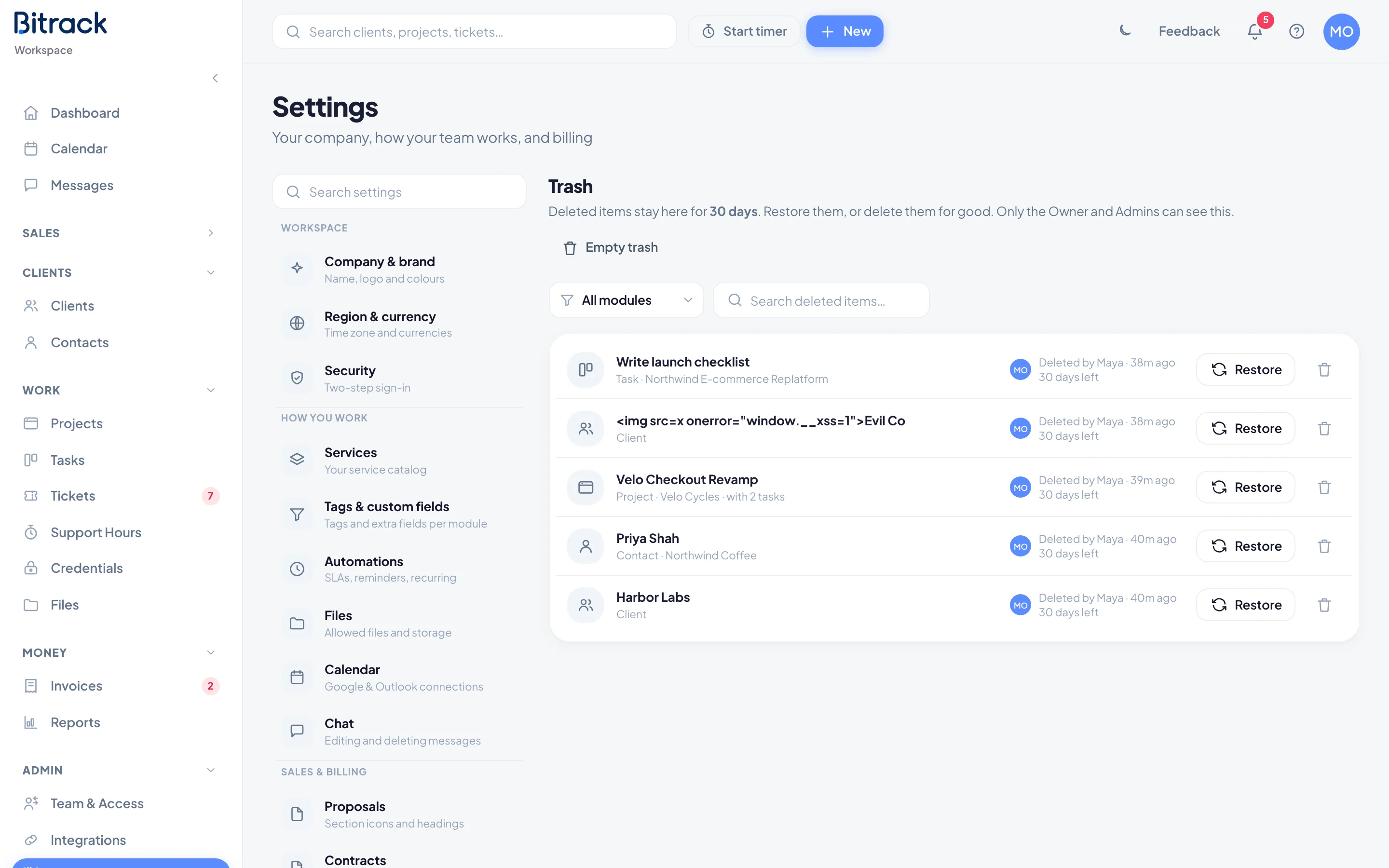
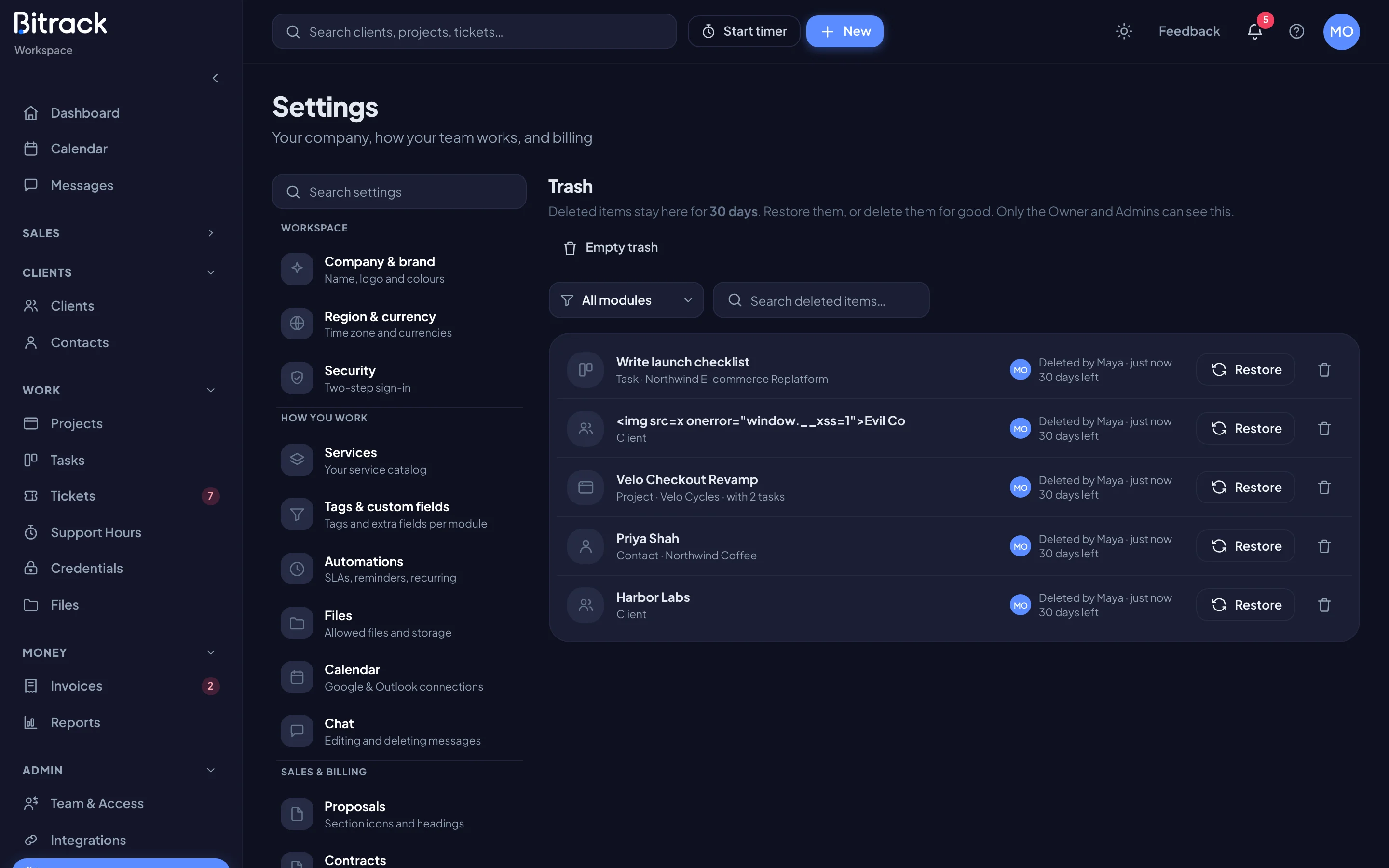
Open the Trash
- Go to Settings → Trash.
You can also get there from a list. When something was deleted recently, the Clients, Projects, Tasks or another module’s list shows a Recently deleted link with a count, for example Recently deleted (2). It opens the Trash filtered to that module.
What you see
Each entry is one delete action. Deleting a client, for example, makes one entry that also lists the projects, tasks and tickets deleted with it, such as with 2 projects, 14 tasks.
For each entry you’ll see:
- what it is and where it came from
- who deleted it and when
- how many days are left before it’s removed for good (shown in red when 3 days or fewer are left)
To find something, use the module filter (All modules by default) or Search deleted items….
Restore an item
- Find the item in the Trash.
- Choose Restore.
It goes back exactly where it was. Anything deleted alongside it comes back too, so a client returns with its projects, tasks and tickets.
Delete an item forever
- Find the item in the Trash.
- Choose the trash icon next to Restore.
- Read the confirmation. It lists everything that will go, and for projects and clients it includes logged time and files.
- Choose Delete forever.
This can’t be undone.
Empty the Trash
- Go to Settings → Trash.
- To empty just one module, pick it in the module filter first.
- Choose Empty trash.
- Check the number of items, then choose Empty trash to confirm.
Everything listed is deleted for good, with everything deleted alongside it. If an item is still in use, it’s kept, and Bitrack tells you how many were kept.