The project page
Find your way around a project: the header, the progress panel and each tab.
Each project has its own page with everything about it in one place. This guide walks through what you see, from the top down.
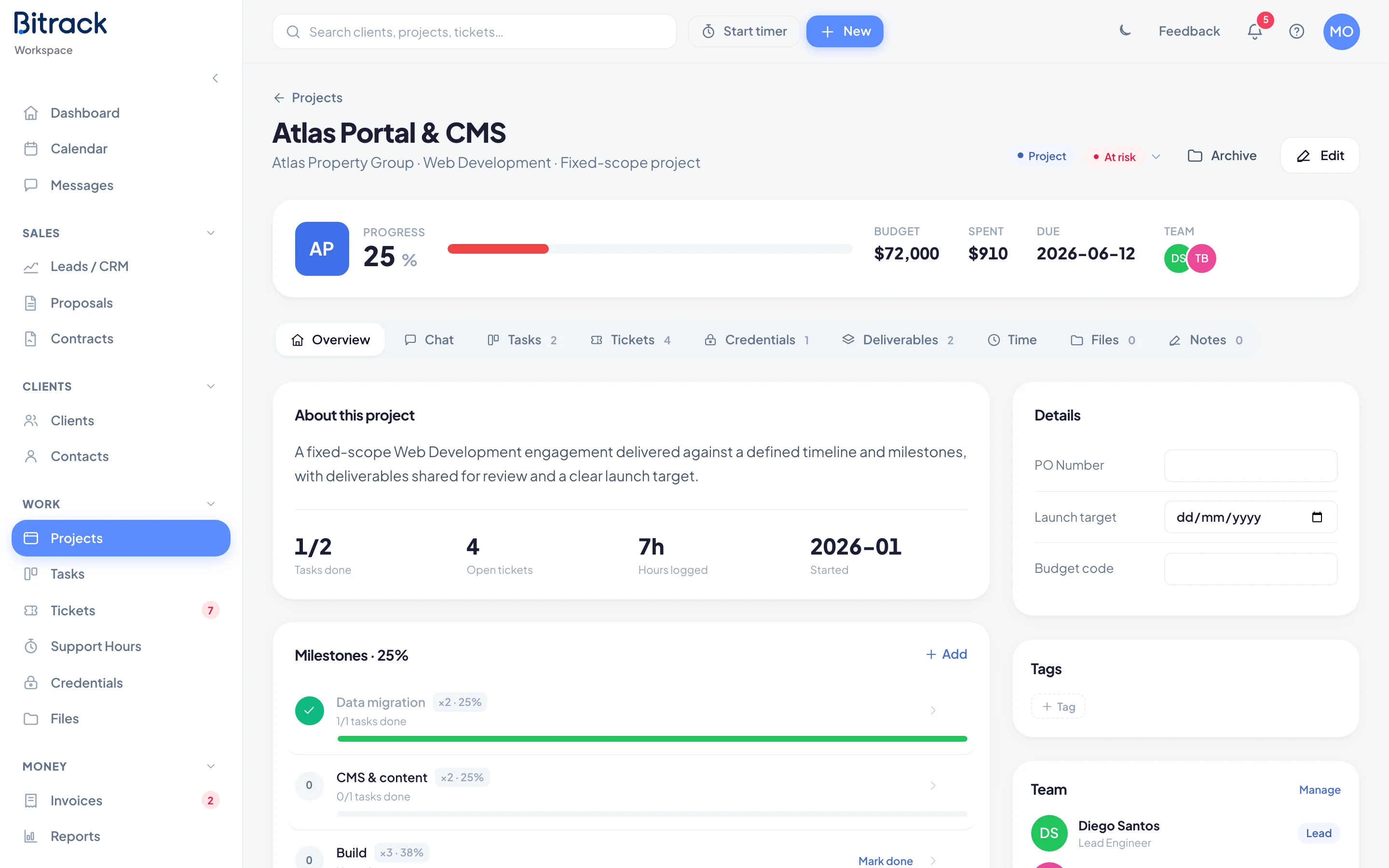
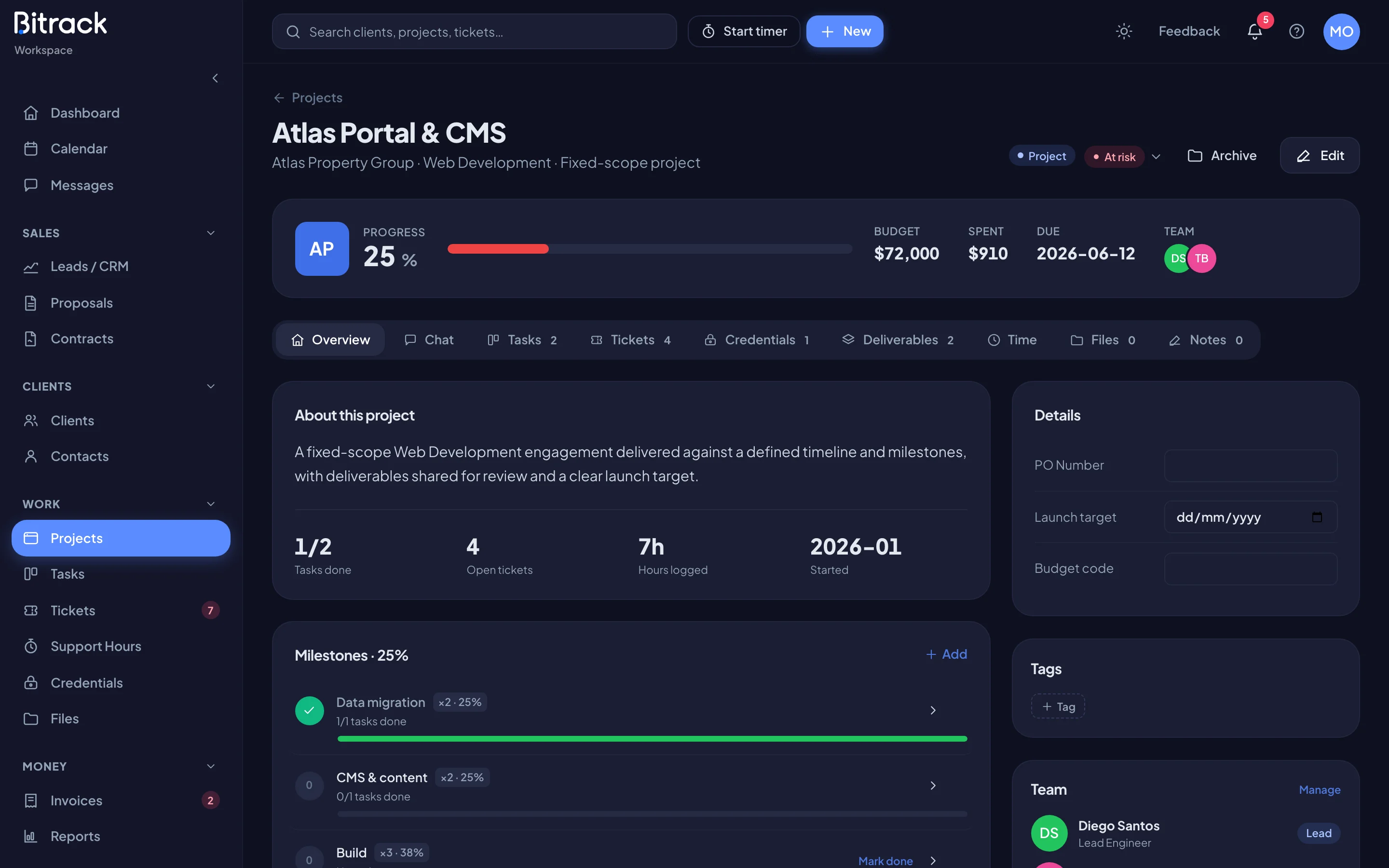
The header
Under the project name you see the client, the service and the type: Fixed-scope project or Monthly retainer. On the right:
- A badge saying Project or Retainer.
- The status. If you're allowed to change it, it's a menu: Active, At risk, In review, On hold or Completed.
- Archive (or Restore on an archived project).
- Edit, to change the name, dates, team and other details.
The progress panel
The panel below the header changes with the type of project.
| Type | What it shows |
|---|---|
| Fixed project | Progress as a percentage, Budget, Spent, Due and Team |
| Retainer, hourly | The Current cycle, Hours this month, the billable amount, Rate, Renews and Team |
| Retainer, flat fee | Scope this month as a percentage, hours logged internally, Monthly fee, Renews and Team |
| Retainer, capped hours | Hours used against the cap, what's left this cycle, Monthly, Renews and Team |
On a retainer, Log time sits right in the panel so you can add hours quickly.
When a fixed project reaches 100%, the panel asks Ready to wrap it up? Choose Mark complete to complete and archive it.
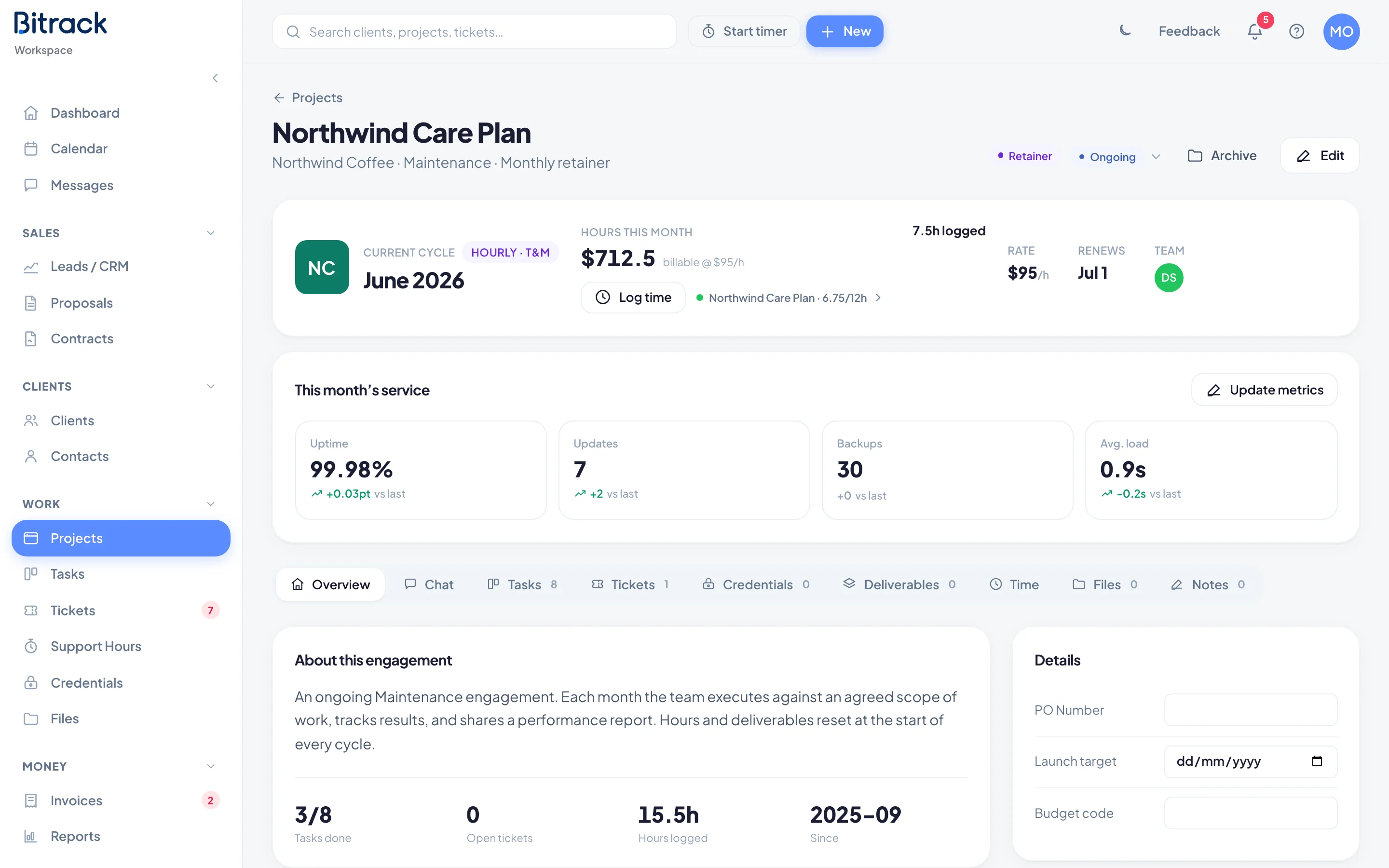
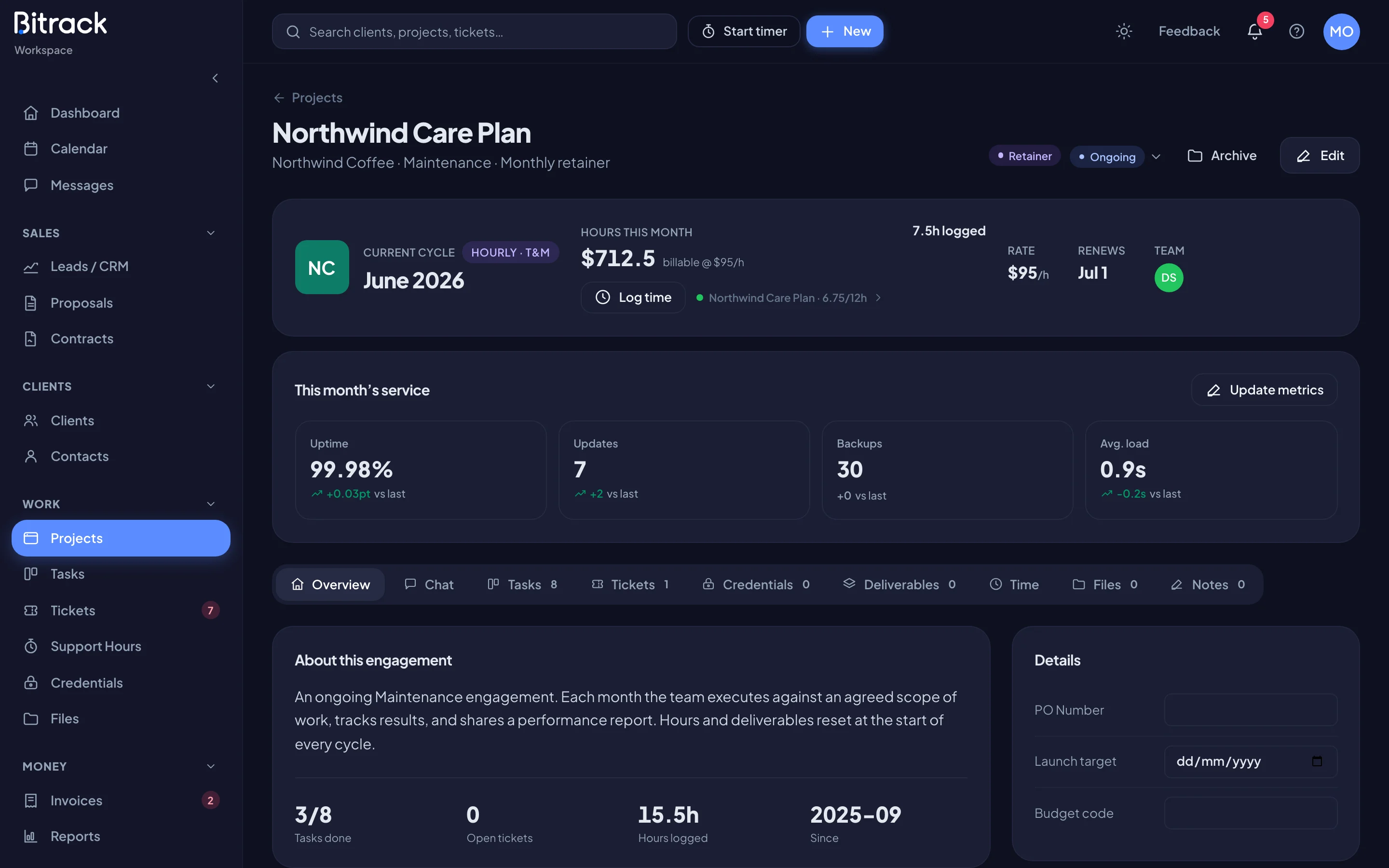
Who sees money
Budget, Spent, rates and fees appear only for Owners and people whose role includes See financials (or invoice approval or billing access). For everyone else these figures are left out completely, not just hidden. The rest of the page looks the same.
The tabs
You only see the tabs that your role and your workspace's modules allow.
| Tab | What's in it |
|---|---|
| Overview | About the project, key numbers, milestones or the monthly scope, custom fields, tags, the team and client access |
| Chat | The project's own conversation for the team |
| Tasks | The project's task board, by status or by milestone |
| Tickets | Support tickets raised for this project |
| Credentials | Logins and secrets saved for this project |
| Deliverables | Work shared with the client for review and approval |
| Time | Hours logged on the project, month by month |
| Files | Files uploaded to the project |
| Notes | Notes for the team: decisions, context, anything worth keeping |
Numbers next to a tab show how many items it holds.
The Overview tab
The left side shows About this project (or About this engagement on a retainer), with a row of key numbers such as Tasks done and Hours logged. Below it you see one of these:
- Milestones on a fixed project. Read Milestones.
- A Timesheet on an hourly retainer, with View timesheet, Export CSV and Create invoice.
- The month's scope on a flat-fee retainer.
- The month's time log on a capped retainer.
The right side holds:
- Custom fields your workspace has set up for projects.
- Tags. Choose Tag to add one, or the x on a tag to remove it.
- Team, with the lead marked. Choose Manage to add or remove people.
- Client access, if your workspace uses the client portal. It lists the client's portal users. Turn the switch on for each person who should see this project in their portal.
Archived projects
An archived project shows a banner at the top. It's hidden from active menus and boards, but every task, milestone, file and note is still there. Choose Restore to bring it back.