Search and quick create
Find any client, project or task from the top bar, and create new work from any page with the New button.
Two tools in the top bar save you a lot of clicks: Search finds things, and New creates them, wherever you are in Bitrack.
Search
The search box sits at the left of the top bar. Its placeholder reads Search clients, projects, tasks… (or tickets if your workspace uses Tickets).
- Choose the search box and type at least 2 letters.
- Results appear as you type, grouped by kind.
- Choose a result to open it.
What it finds
| Group | Matches on |
|---|---|
| Clients | The client’s name, main contact or industry |
| Projects | The project name |
| Tasks | The task title |
| Tickets | The ticket subject |
| Leads | The company, contact name or email |
| Proposals | The proposal title |
| Contracts | The contract title |
| Invoices | The invoice number, title or client |
You see up to 5 results in each group. Each result shows a second line to help you tell similar ones apart, like the client or project it belongs to.
A few things to know:
- Search only shows what you’re allowed to see. Groups for parts of Bitrack your role can’t open don’t appear, and roles that see assigned work only get results from their own projects.
- Archived clients and projects are labelled Archived and listed after active ones.
- Finished tasks and resolved tickets are shown crossed out.
- Tasks and tickets on archived projects aren’t included.
Tasks and tickets open in a panel over the page you’re on, so you don’t lose your place. Everything else opens its own page.
If nothing matches, you see No results for followed by what you typed. Try fewer letters, or part of a name.
Create something new
The New button next to the timer creates work from any page.
- Choose New in the top bar.
- In Create new, pick what you want to make.
- Bitrack takes you to that area with the new form already open. Fill it in and save.
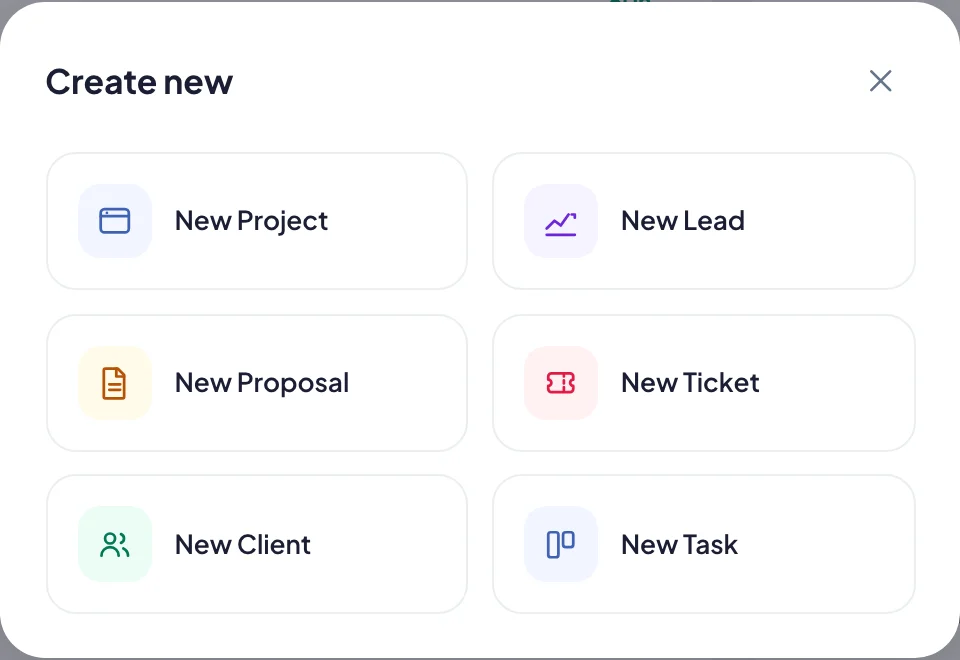
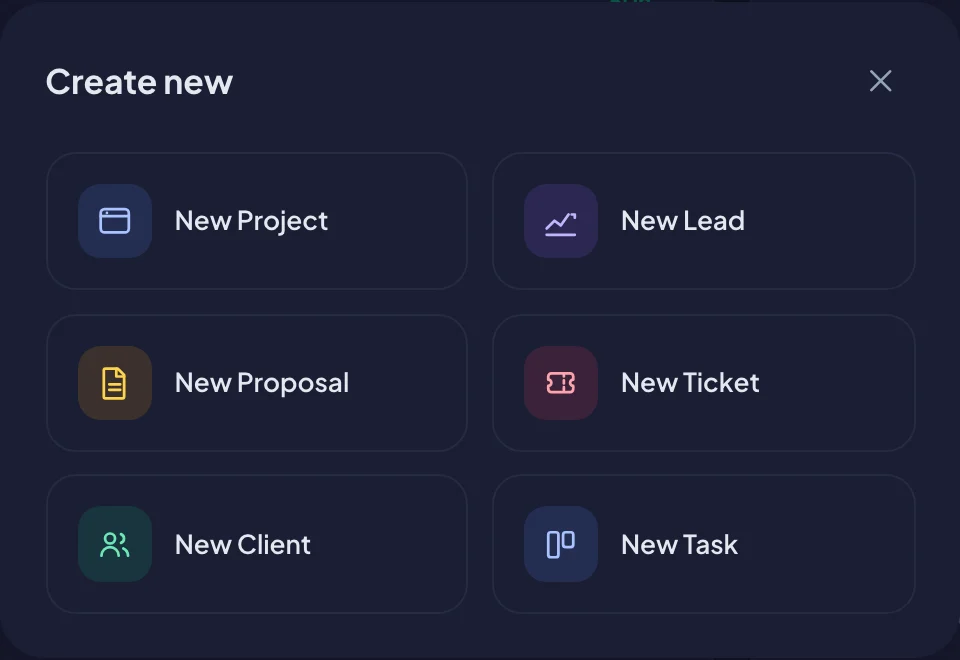
The options you can see depend on your role and on what your workspace uses:
- New Project
- New Lead
- New Proposal
- New Ticket
- New Client
- New Task
If your role can’t create anything yet, you see Nothing to create. An Owner or Admin can grant create permissions in Team & Access. See Roles and permissions.