Access history
See who opened, copied, shared or changed each credential and when, so you always know what happened in your vault.
Every action in the vault is recorded. Owners can read the full history for one credential or for the whole vault.
Only Owners can see the history. Everyone else is told that access is recorded, but not what the history holds.
Open the history for the whole vault
- Open Credentials.
- Choose Access log at the top of the page.
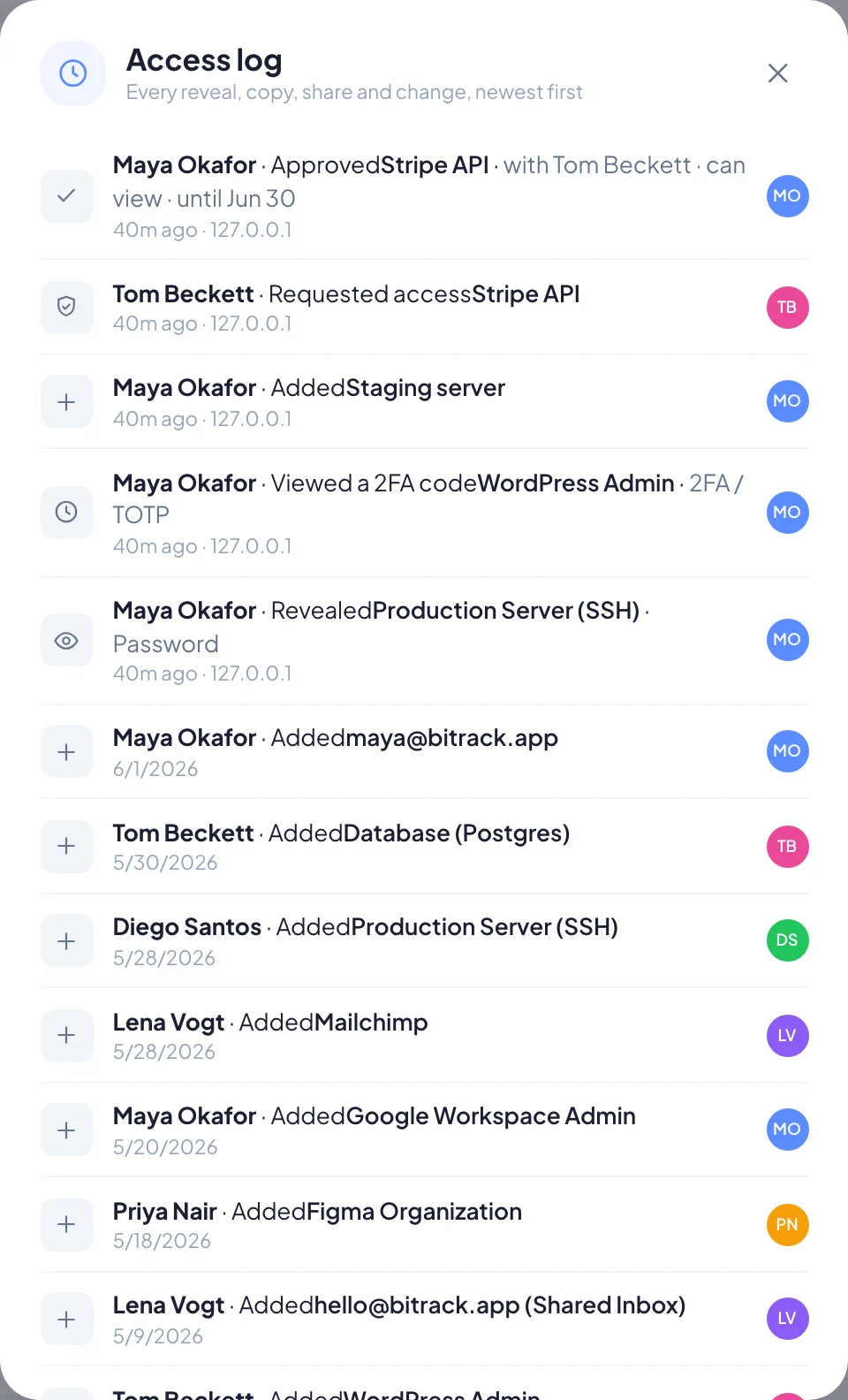
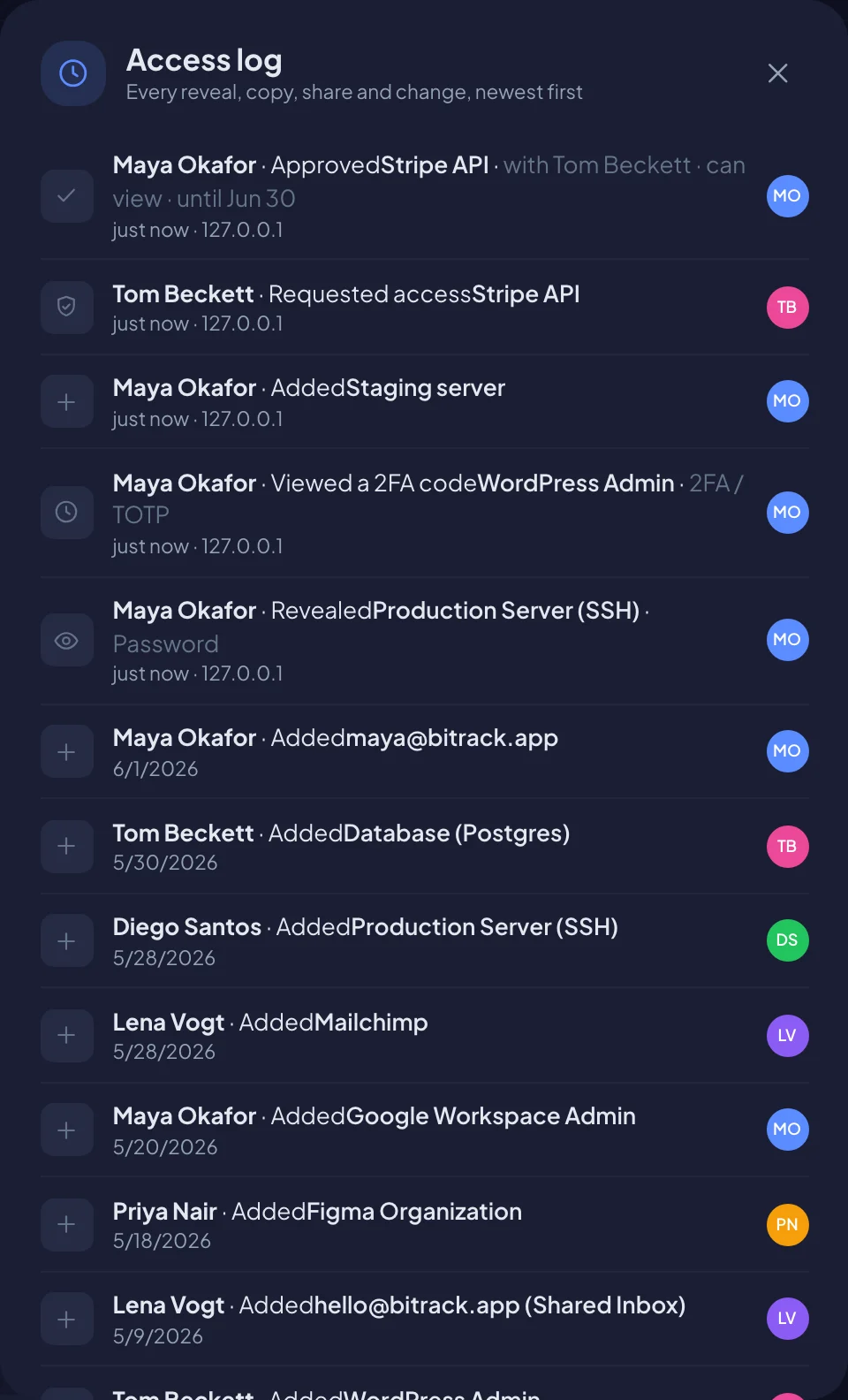
You'll see every reveal, copy, share and change across the vault, newest first. Each line names the credential it's about.
Open the history for one credential
- On the credential, choose the shield icon (Manage access).
- Choose History.
This shows only that credential's activity.
What each line shows
Each line tells you:
- Who did it, with their picture.
- What they did (see the table below).
- Details, such as which field, who it was shared with, the level and until when.
- When, for example 5 minutes ago, and the IP address it came from.
| Action | What it means |
|---|---|
| Added | Someone created the credential |
| Edited | Someone changed it, with how many fields changed |
| Revealed | Someone showed a secret field on screen |
| Copied | Someone copied a secret field |
| Viewed a 2FA code | Someone opened a live 2FA code |
| Shared | Someone gave a person or the project team access |
| Removed access | Someone revoked access |
| Requested access | Someone asked to open it |
| Approved / Denied | Someone answered an access request |
| Deleted / Restored | It was moved to the Trash, or brought back |
Use it well
- After someone leaves, check which credentials they revealed or copied recently, and change those passwords.
- During a client handover, confirm who opened the client's logins and revoke anything that's no longer needed.
- For an audit, the history shows exactly who had access to what and when.
A live 2FA code refreshes every 30 seconds, so the history records it once every 10 minutes per person, not every refresh.
Deleted credentials
When a project or company credential is deleted, its history stays. Owners can restore the credential from the Trash for 30 days, and the history records both the delete and the restore.